
How to Integrate Countertop Composter Data into LEED Sustainability Reporting: A Step‑by‑Step Guide to Tracking Organics, Calculating Diversion, and Earning Credits
Introduction
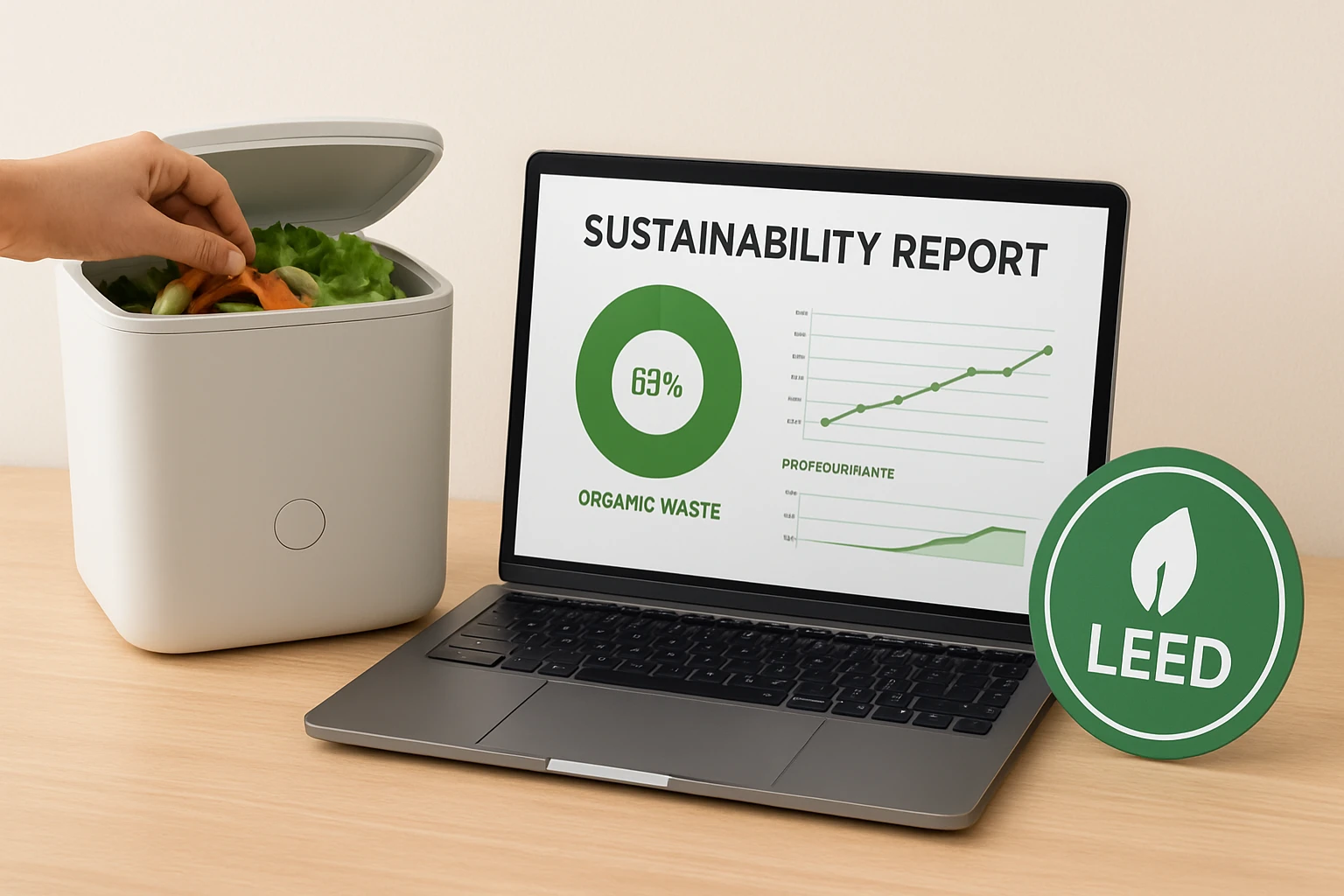
One of the most impactful ways to improve a building’s environmental performance is to divert organic waste from landfill and document that diversion for LEED certification. This guide explains how a facility manager or sustainability coordinator can collect accurate data from countertop composters, calculate diversion percentages, and submit the results to achieve credits under the LEED Materials and Resources (MR) credit. The reader will learn which tools simplify data capture, how to align measurements with LEED documentation requirements, and which best practices ensure reliable reporting.
Although the process can be performed with spreadsheets alone, the use of purpose‑built composting tools reduces manual error, shortens the data‑collection cycle, and demonstrates a commitment to sustainable operations. By following each step, the organization will be able to quantify the amount of food waste transformed into fertilizer, calculate the reduction in landfill mass, and present credible evidence to the Green Building Certification Institute.
The guide is written for an intermediate audience familiar with basic LEED terminology but new to on‑site organics tracking. It balances technical depth with practical instructions, and each recommendation is supported by real‑world product specifications.
What You’ll Need
- One or more countertop composters suitable for the volume of food waste generated in the kitchen or break‑room.
- A digital scale capable of measuring kilograms or pounds with at least 0.1 kg (0.2 lb) precision.
- Data‑logging software or a simple spreadsheet template that captures date, weight, and composting method.
- Access to the LEED Online MR Credit documentation forms.
- Optional: a smartphone or tablet for quick photo documentation of compost bin fill levels.
Below are three countertop composters that have proven effective for data‑driven sustainability programs.
Step 1: Choose and Position Your Countertop Composter
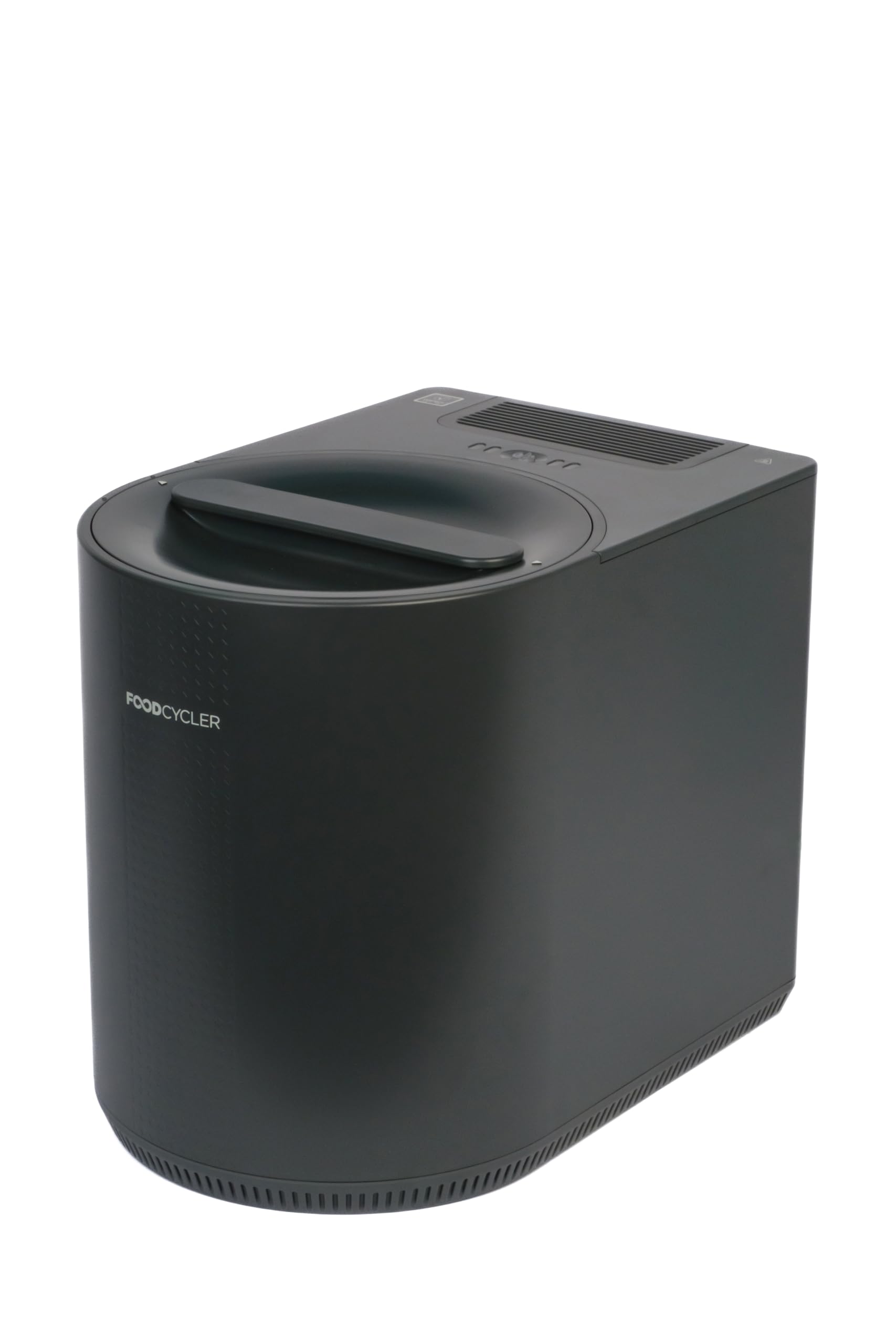
The first decision influences the quality of data that can be recorded. Manual bins such as the Holismo Countertop Compost Bin provide a low‑cost, low‑maintenance option, while electric models like the Airthereal Revive Electric Composter and the Food Cycler Eco 3 automate the grinding and drying process, producing a dry powder that is easier to weigh and store.
When selecting a unit, consider the following criteria:
- Capacity relative to the expected weekly waste volume (the Holismo bin holds 1.3 gal/5 L, suitable for small offices).
- Odor‑control features (both the Holismo bin and the Airthereal Revive use activated charcoal filters to maintain a fresh kitchen environment).
- Power consumption and noise level (the Food Cycler Eco 3 operates quietly and consumes less power than a standard clothes dryer).
Place the chosen composter on a stable countertop near the food preparation area. Ensure that an electrical outlet is within reach for electric models, and keep the unit away from direct sunlight to avoid excessive drying of the compost material.
Step 2: Set Up Data Collection Infrastructure
Accurate reporting begins with consistent measurement. Install a digital kitchen scale near the composter and calibrate it according to the manufacturer’s instructions. For manual bins, weigh the bin empty, record the tare weight, and then weigh the bin after each fill. For electric models, the built‑in grinding process produces a dry powder that can be weighed directly in a sealed container.
Create a spreadsheet with the following columns: Date, Bin Type, Pre‑Weigh (empty), Post‑Weigh (full), Net Waste (kg), and Notes. The Net Waste column is calculated by subtracting the pre‑weigh value from the post‑weigh value. Save the file in a cloud‑based folder to enable team access and version control.
If a smartphone is available, capture a photo of the bin’s fill level at each weighing event. Store the image file name in the Notes column to provide visual verification during LEED review.
Step 3: Log Organic Waste Volumes Regularly
Commit to a consistent logging schedule, such as daily or after each major meal service. For the Holismo Countertop Compost Bin, empty the bin when the charcoal filter indicates a need for replacement (approximately every 3–4 months). Record the total weight of waste removed, then clean the bin with mild soap before returning it to service.
Electric units simplify this step. The Airthereal Revive displays a progress indicator and automatically stops when the cycle is complete; the resulting powder can be transferred to a pre‑weighed container for immediate weighing. The Food Cycler Eco 3 features a one‑touch button and real‑time LEDs that confirm cycle completion, allowing the operator to weigh the dry output without additional handling.
Maintain a minimum of three months of continuous data before submitting LEED documentation, as this period satisfies the LEED requirement for demonstrating sustained waste‑diversion performance.
Step 4: Calculate Diversion Rates
LEED requires the percentage of total organic waste diverted from landfill. Gather the total waste generated by the facility from waste‑hauler invoices or a separate waste‑audit spreadsheet. Then compute the diversion rate using the formula:
Diversion Rate (%) = (Total Compost Weight ÷ Total Organic Waste Generated) × 100
For example, if the facility generates 500 kg of organic waste per month and the recorded compost weight from the countertop units is 350 kg, the diversion rate equals 70 percent, which exceeds the 50 percent threshold for the MR Credit.
Document the calculation method, data sources, and any assumptions in the LEED Online MR Credit worksheet. Include the spreadsheet as an attachment and reference the photo evidence collected in Step 3.
Step 5: Integrate Data into LEED Forms
Log in to LEED Online and navigate to the Materials and Resources credit section. Select the “MR Credit: Diversion of Construction and Demolition Waste” or “MR Credit: Food Waste Diversion” as appropriate. Upload the following supporting documents:
- The waste‑diversion spreadsheet with clear headings and formulas.
- Photographic evidence of bin fill levels and filter changes.
- Product specification sheets (the product pages provide the capacity and filter lifespan information needed to justify the chosen tools).
In the narrative field, describe the process, referencing the specific tools used. For instance, state that the Holismo Countertop Compost Bin’s 1.3 gal capacity and charcoal filter enable odor‑free indoor composting, while the Airthereal Revive’s tri‑blade system reduces processing time to 2–5 hours, ensuring rapid turnover and accurate weight capture.
After submission, monitor the review comments in LEED Online. If the reviewer requests clarification, provide additional weight logs or a brief explanation of how the carbon filters were maintained.
Step 6: Submit and Earn Credits
Once the documentation is approved, the LEED project will receive the applicable MR credit for organic waste diversion. Record the credit in the project’s sustainability dashboard to track overall performance. Celebrate the achievement with the facilities team, and consider expanding the program to additional kitchen areas or to other waste streams such as paper and cardboard.
Continuous improvement is essential. Review the diversion rate quarterly, replace charcoal filters on schedule, and evaluate whether a higher‑capacity electric composter could further increase the diversion percentage.
Tips & Pro Tips
- Standardize the weighing container for all units to eliminate tare‑weight variations.
- Schedule filter replacements for the Holismo bin and the Airthereal Revive at the beginning of each quarter to avoid odor spikes.
- Use the Airthereal Revive’s visual glass cover to train staff on proper loading techniques; the transparent view reduces over‑filling.
- For large facilities, consider a centralised waste‑weighing station where multiple countertop units can deposit their output for a single, aggregated measurement.
- Document any deviations from the standard process, such as unexpected downtime, and include them in the LEED narrative to demonstrate proactive management.
Troubleshooting
Problem: Odor persists despite charcoal filter replacement.
Solution: Verify that the filter cartridge is seated correctly and that the bin lid is fully closed. If the issue continues, clean the interior of the Holismo bin with a diluted vinegar solution to remove residue that may be releasing odors.
Problem: Weight readings fluctuate dramatically between cycles.
Solution: Ensure the scale is placed on a level surface and that the container used for the dry powder is not absorbing moisture from the environment. Use a desiccant packet inside the container if humidity is high.
Problem: Electric composter does not start.
Solution: Check that the power cord is securely plugged into a grounded outlet and that the circuit breaker has not tripped. Consult the Airthereal Revive user manual for error‑code diagnostics.
Conclusion
Integrating countertop composter data into LEED sustainability reporting transforms a simple kitchen practice into a measurable environmental achievement. By selecting the appropriate composting tool, establishing a rigorous data‑collection routine, and accurately calculating diversion rates, a project can satisfy LEED MR credit requirements and demonstrate leadership in waste reduction. The methodology outlined in this guide provides a repeatable framework that can be scaled to larger operations, ensuring that organic waste continues to be diverted from landfill and returned to the soil as valuable fertilizer.
One encourages the reader to implement the steps promptly, monitor performance, and share successes with stakeholders. Continued refinement of the process will not only secure LEED credits but also contribute to a culture of sustainability throughout the organization.
Products Mentioned in This Guide


Frequently Asked Questions
What data should be collected from a countertop composter for LEED reporting?
Record the weight or volume of food waste added, the amount composted, and the time period of collection to calculate diversion percentages.
How is the organic waste diversion percentage calculated for LEED MR credits?
Divide the total weight of waste diverted to compost by the total organic waste generated, then multiply by 100 to get the diversion rate.
Can spreadsheet tools alone meet LEED documentation requirements for composting data?
Yes, spreadsheets can be used, but purpose‑built composting software reduces manual errors and streamlines reporting.
What LEED credit does tracking countertop composter data help achieve?
It supports the Materials and Resources (MR) credit for diverting organic waste from landfill.
What best practices ensure reliable composting data for LEED submissions?
Use calibrated scales, conduct regular weight checks, maintain consistent logging intervals, and verify data against waste hauler records.